























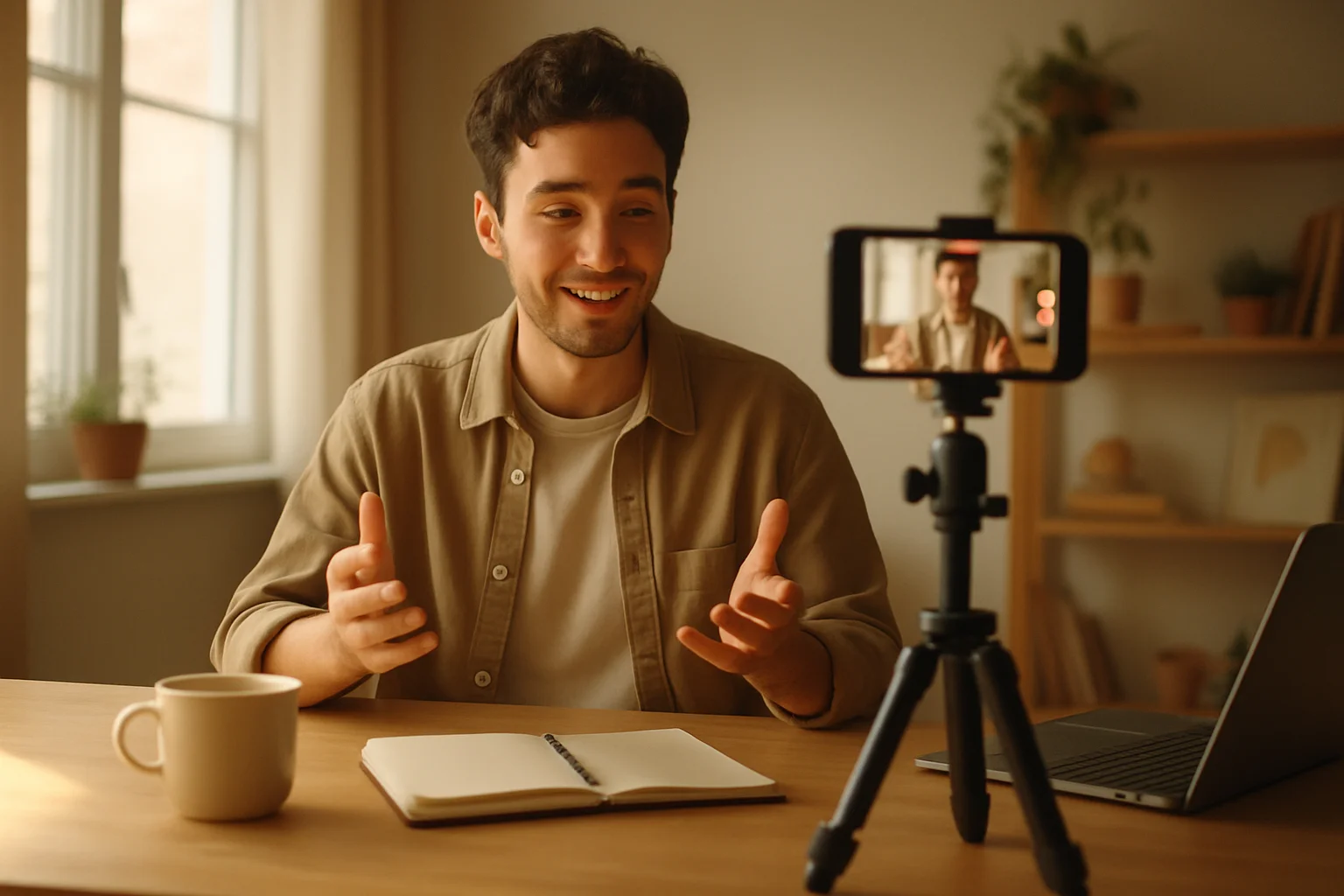
Creating professional-looking videos once required expensive equipment and technical skill. Many small business owners and content creators found themselves priced out of quality video production, forced to choose between costly outsourcing or settling for amateur results. This barrier has long prevented many from fully embracing video as a marketing tool.
Recent advances in video technology have dramatically changed this situation. Affordable smartphones now feature high-quality cameras capable of capturing impressive footage.
Meanwhile, user-friendly editing software has become more accessible, allowing even beginners to produce polished content without specialised training. These changes have made video production more available across industries.
Essential Video Equipment on a Budget
Creating professional videos doesn’t require expensive gear. A modern smartphone with a good camera serves as a great starting point.
Recent models offer 4K recording capabilities that are similar to those found in dedicated cameras. The latest iPhone and Samsung Galaxy models feature impressive video capabilities suitable for business content.
Affordable Lighting Solutions
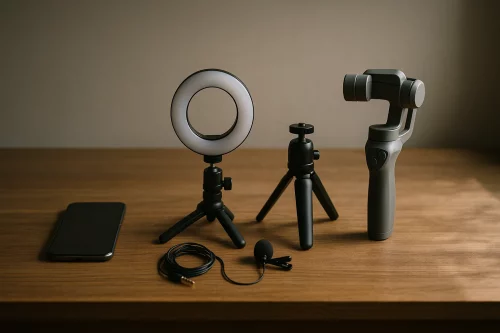
Lighting makes a huge difference in video quality. Rather than investing in costly studio lights, consider affordable ring lights or position your filming space near windows for natural light.
You can also use desk lamps with diffusion material, such as white paper, to soften harsh shadows.
Budget-Friendly Audio Equipment
For audio, the built-in microphone on smartphones often falls short. A lavalier microphone that clips to clothing can noticeably improve sound quality.
Always check connector compatibility before purchase to avoid being caught out with an unusable accessory.
Stability Tools and Cost Comparison
Stability is necessary for professional-looking footage. Instead of expensive tripods, consider mini tripods or smartphone gimbals for smooth footage at a lower cost than professional stabilisers.
Using books or boxes as makeshift stands works in a pinch, but always ensure the phone is secure to avoid accidental falls.
Lighting and Audio Best Practices
Lighting and audio mistakes are among the most frequent barriers to quality smartphone videos. Always set a light source in front of the subject, never behind, to avoid silhouettes and achieve even illumination across the face.
For audio, record a sample and play it back through headphones to catch background noise, echo, or muffled sound.
Quiet environments and positioning the microphone close to the speaker reduce unwanted noise.
Recommended Apps for Smartphone Video
Advanced camera and editing apps add more options with basic hardware. FiLMiC Pro provides manual control over focus, exposure, and white balance on iOS devices. Android users can take advantage of Open Camera for similar features at no cost.
Editing apps such as LumaFusion (iOS) and PowerDirector (Android) enable professional cuts, transitions, and basic effects directly from a mobile device. Always keep apps updated and test features ahead of major projects.
Post-Production Tools for Non-Professionals
Editing is where your footage comes together. With the right tools, even beginners can produce polished, professional videos for business use.
Free and Affordable Video Editing Software
Free and low-cost video editors offer a practical starting point for those without a production background. DaVinci Resolve offers a free version with many advanced features.
On many computers, Windows Video Editor and Apple iMovie come pre-installed and offer simple cutting, basic transitions, and the tools needed for straightforward projects. Enable auto-save features and work in short sessions to keep projects manageable.
Applying Core Editing Techniques
Several easy edits can make business videos look more professional. Clip dead time at the start and end of footage to remove awkward gaps and maintain pacing. Smooth scene switches with an unobtrusive cross-dissolve.
Adjust brightness and contrast for even-looking lighting, comparing each segment against the previous clip so changes aren’t jarring. Always preview the entire video before final export to catch colour shifts or mismatched cuts.
Legal, Quality Music Sources and Tips
Proper music tracks add energy and emotion to business videos, but misusing copyrighted songs causes legal trouble. The YouTube Audio Library offers free tracks cleared for commercial use, and is favoured for its simple filtering by mood or genre.
Subscription services such as Epidemic Sound give access to a wide selection for a monthly fee. Download chosen tracks directly from trusted sources and always keep the licence terms to handle any copyright queries.
Integrating and Refining Adobe AI Video Generator Tools
AI-powered solutions simplify the creation and editing process for non-professionals. The Adobe AI video generator allows users to create professional-quality videos from simple text or images.
Users should always begin with clear, concise prompts reflecting their brand message, then review each generated segment for relevance, flow, and consistency. Test different features across multiple projects, taking time to learn built-in controls for text animation and scene transitions.
Workflow Templates for Consistent Branding
Templates make post-production easier for businesses releasing regular video content. Tools such as DaVinci Resolve and Premiere Pro allow saving project templates containing pre-set graphics, text styles, and standard transitions.
Setting this up once locks in branding elements for future projects. Maintaining consistency between videos builds trust with viewers and can help save editing time on repeat projects.
Distribution Strategies for Maximum Impact
Once your video is ready, distributing it effectively ensures it reaches the right audience and supports your business goals.
Platform-Specific Video Formatting
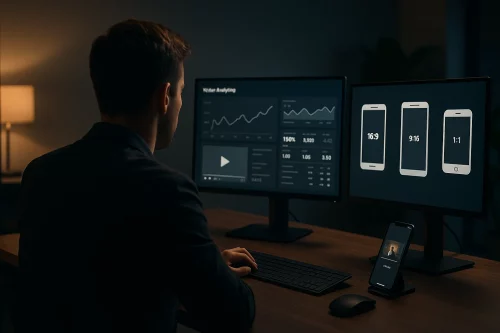
Different platforms require specific video formats. Instagram prefers square (1:1) or vertical (9:16) videos, while YouTube and most business websites achieve the best results with landscape (16:9) format.
Before uploading, export separate versions of important videos tailored to each destination. This approach avoids awkward cropping and ensures that key visuals remain in frame, improving the viewing experience.
Video SEO Techniques for Visibility
Basic video SEO increases visibility and helps content reach the intended audience. Relevant keywords placed in video titles, descriptions, and tags can help increase the chance of being found in search results.
A custom thumbnail that visually represents what the viewer will learn often encourages clicks. Adding closed captions also helps with accessibility, while giving search engines more context about the content.
Embedding and Display Optimisation for Websites
When embedding videos on business websites, placement directly affects engagement. Place videos above the fold, close to core messages or calls to action. Disable autoplay with sound to avoid irritating visitors.
Responsive design matters: test videos on mobile and tablet devices. Test the page loading time as well, since slow playback can increase bounce rates. Avoid using third-party scripts that could introduce ads or watermarks conflicting with your brand.
Tracking Performance and Analytics Application
Free analytics tools offer useful metrics that guide future content. YouTube Studio supplies viewer retention graphs, highlighting points where audiences lose interest. Track which segments get skipped and revise upcoming videos for sharper pacing.
Use Facebook Insights for detailed demographic information, finding out which age groups and regions respond most positively.
Checking these metrics regularly shows options to adjust topics, video length, or posting schedules.
Content Repurposing and Cross-Channel Reach
Reusing video content increases its return. Transform a recorded video into a podcast by extracting the audio using editing software. Create short clips from standout moments and share them on social media.
Transcribe the main points and publish them as supporting blog posts, linking back to the original video for extra traffic.
This approach means that one well-produced shoot can support multiple marketing activities across several channels.
Using these practical steps, small businesses can produce professional-quality videos that reach audiences and support business growth, while keeping production costs low.