
























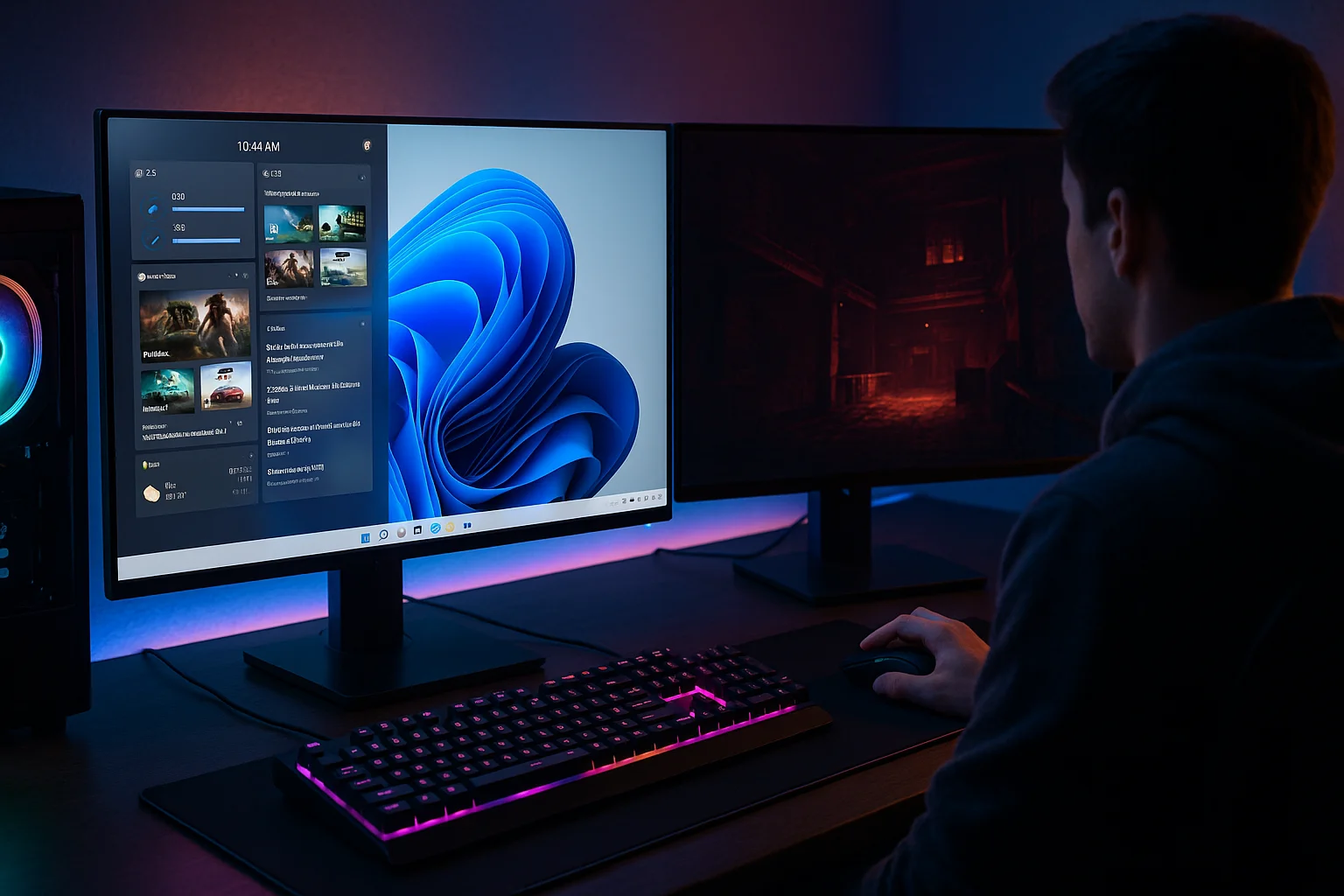
Windows 11 arrived with sleek visuals, a new taskbar, and plenty of features designed to make productivity smoother.
But tucked between Teams integrations and rounded corners, there’s something that often flies under the radar for gamers, the widget panel.
At first glance, widgets seem more suited to office workers checking stocks or weather updates.
But Microsoft insists they’re useful for play, too. The big question is: do Windows 11 widgets really improve gaming, or are they just digital clutter?
What Widgets Bring to the Table?
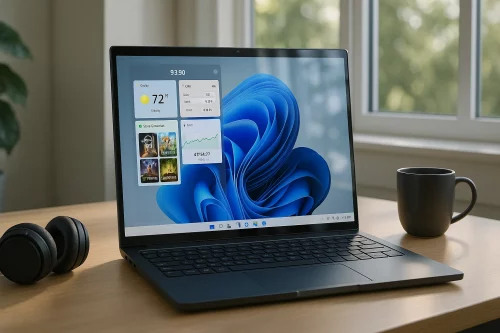
The widget panel in Windows 11 offers quick access to bite-sized information without opening full apps.
Gamers can customize it with cards showing news, system performance, Xbox Game Pass updates, and even esports headlines. The idea is simple: fewer clicks, less alt-tabbing, and more focus on the game.
But here’s the catch, unlocking the full experience requires the right setup. For players upgrading their rigs, getting a Windows 11 product key ensures you’re running the latest version with all the bells and whistles, including widget updates that continue to expand Microsoft’s gaming ecosystem.
Do Widgets Actually Help Gamers?
This depends on the kind of player you are. Widgets aren’t game-changers in the same way a high-refresh monitor or GPU upgrade is, but they can streamline little things that add up over long sessions.
The Good
- Performance Monitoring: Keep an eye on CPU/GPU stats without third-party software.
- Game News & Updates: Never miss patch notes or esports headlines.
- Quick Xbox Integration: Game Pass recommendations right in your panel.
The Not-So-Good
- Limited Customization: You can’t add just any app, Microsoft controls the widget library.
- Distraction Factor: Popups and news stories can drag attention away from the game.
- Resource Use: While lightweight, widgets still nibble at system resources.
Widgets in Practice: The Gamer’s Perspective
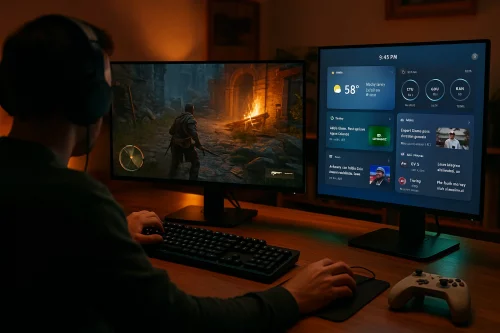
Let’s break it down by gamer type:
Competitive Players
Widgets might be more of a distraction here. Esports-level focus doesn’t leave room for weather updates mid-round of Valorant.
Casual Explorers
Widgets can be handy for checking guides, keeping tabs on system health, or glancing at the news before diving into another open-world quest.
Streamers
For streamers, widgets can shine. Having system performance stats or news feeds a swipe away reduces the need for additional apps running in the background.
Where Widgets Need to Improve?
Widgets could become essential if Microsoft:
- Opened them up for third-party developers (imagine a Discord widget).
- Allowed overlays within games rather than a separate panel.
- Synced widgets with Xbox and Game Pass achievements in real time.
Until then, they’re a convenience, not a revolution.
Final Verdict
So, do Windows 11 widgets improve playtime? For casual and social gamers, yes, by keeping information centralized and minimizing alt-tab chaos. For competitive gamers, probably not, the focus remains on performance over convenience.
Still, the foundation is promising, and if Microsoft leans into gaming-specific widgets, the feature could evolve into something every player wants at their fingertips.
And for those considering the upgrade, securing a Windows 11 product key makes sure you’re equipped with the latest updates, performance tweaks, and yes, widget improvements.
In the end, widgets may not redefine gaming the way ray tracing or SSDs have, but they’re part of Microsoft’s strategy to make Windows 11 feel like home for every type of player.
For deals on software and gaming essentials, Eneba digital marketplace is where gamers often turn to keep their setups ready for whatever’s next.