
























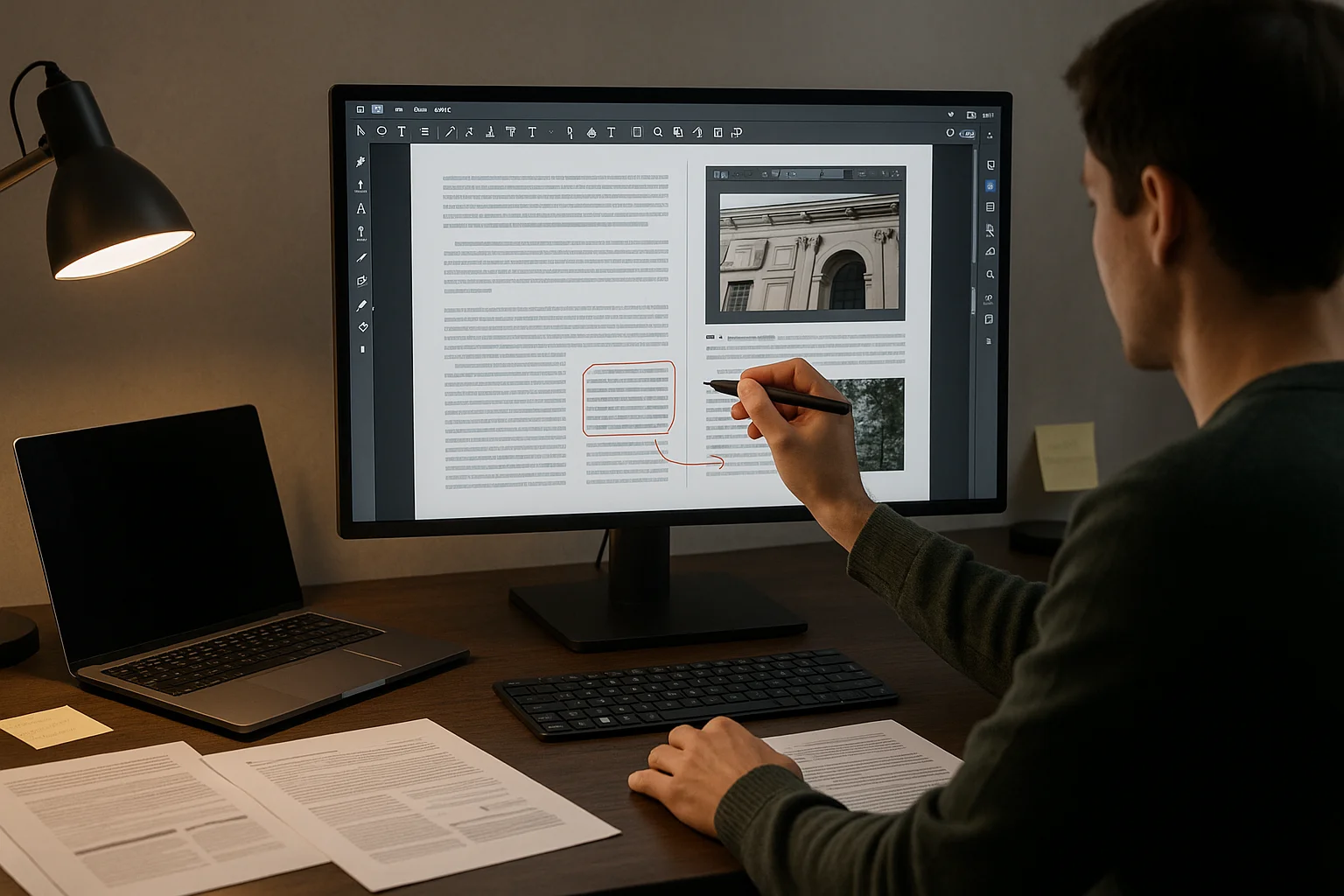
The ability to precisely edit PDF documents has become an invaluable skill. PDFs are non-negotiable in both professional and personal contexts, serving as the preferred format for contracts, reports, and many other documents.
However, achieving perfection in PDF editing requires more than basic knowledge; it involves understanding and adopting some sophisticated tools.
One of the most transformative advancements in PDF editing is the development of the PDF editor. These tools provide a comprehensive range of features without the need for cumbersome software installations.
In this article, we’ll explore various editing techniques. By the end, you’ll know what it takes to make the most of your PDF editing tools.
Perfecting Your PDF Documents
Lumin
Lumin is a powerhouse in the realm of PDF editing, standing out for its blend of simplicity and advanced functionality.
Unlike other tools, Lumin offers seamless real-time collaboration, allowing multiple users to annotate and edit PDFs at the same time.
This feature is a game-changer for remote teams. Lumin integrates effortlessly with cloud storage solutions, ensuring that your documents are always accessible and up-to-date across devices.
Advanced Features
Lumin’s advanced features set it apart in the crowded market of PDF editors. Its OCR capabilities are particularly noteworthy, converting scanned documents into editable text with impressive accuracy.
This feature is essential for digitizing physical documents. Additionally, Lumin excels in form creation, offering a wide array of tools to design fillable PDFs that can be easily completed and signed.
Tips for Mastery
Mastering Lumin involves leveraging its customization and productivity features. Start by customizing the toolbars to fit your specific workflow, which can significantly reduce the time spent navigating through menus.
Utilizing batch processing is another way to boost efficiency, as it allows you to apply the same edits across multiple documents simultaneously. This is particularly useful for tasks like compressing PDFs or adding PDF annotations.
Online PDF Editors
Online PDF editors have revolutionized the way we handle document modifications. These tools offer the convenience of editing without too much complexity.
This ease of access makes them an ideal solution for quick edits, collaboration, and on-the-go document management.
Editing Capabilities
Online PDF editors excel in providing a wide range of basic to intermediate editing capabilities. Users can easily edit text, insert or modify images, and manipulate pages to suit their needs.
Many platforms also offer additional features like PDF annotation and PDF highlighter online, enabling users to mark up documents effectively.
Despite their simplicity, these tools often include advanced options like OCR PDF, which allows for text extraction from scanned documents.
Benefits and Limitations
The benefits of online PDF editors are clear: accessibility from any device with internet access, ease of use, and seamless collaboration.
But, there are limitations to consider. Security can be a concern, as documents are uploaded to the cloud, potentially exposing sensitive information. While online editors are convenient, they may lack some advanced features found in desktop software.
Advanced Editing Techniques
Advanced editing techniques take PDF modification to the next level, allowing for more precise and detailed document enhancements.
These methods are crucial for professional-looking PDFs that require meticulous attention to detail.
Text and Font Adjustments
Adjusting text and fonts in PDFs requires more than just basic editing. Advanced tools allow for fine-tuning of font size, style, and alignment to ensure consistency throughout the document.
Using a PDF editor to convert files can be particularly helpful for making detailed text adjustments, ensuring the document maintains its original format and layout.
Image Editing and Enhancement
Enhancing images within PDFs involves more than simple insertion or deletion. Advanced PDF modifiers online offer tools for image cropping, resizing, and adjusting brightness and contrast.
These features ensure that images blend seamlessly with the text, enhancing the overall aesthetic of the document. For intricate image editing, tools like layers and filters can provide professional-grade results.
Page Management
Effective page management is essential for organizing and structuring large PDF documents.
Advanced features include the ability to edit PDF pages online, such as rearranging, adding, or deleting pages.
Other tools allow for inserting headers and footers, adding bookmarks, and creating navigation links within the document. These capabilities structure the document, making it easier to read and navigate.
Mastering Conversion and Optimization
Mastering the conversion and optimization of PDFs involves leveraging advanced techniques to ensure your documents are versatile and accessible.
From converting PDFs to other formats to optimizing them for web and print, these strategies enhance both usability and performance. Here’s a detailed look at each aspect of this essential process.
Converting PDFs to Other Formats
Converting PDFs to other formats, such as Word or Excel, ensures greater flexibility in editing and data manipulation.
Use a reliable PDF to editable PDF converter that maintains the integrity of the original layout and formatting.
This precision allows for seamless transitions between formats, making it easier to repurpose content for different applications without losing crucial details.
Optimizing PDFs for Web and Print
Optimization of PDFs for web and print involves reducing file size without compromising quality.
This process, often referred to as ‘compress PDF,’ ensures that documents load quickly online and maintain clarity when printed.
Use specialized tools that can handle large files efficiently, reducing load times and enhancing the user experience.
Ensuring your PDFs are optimized improves accessibility and performance across various platforms.
Enhancing Collaboration and Review Processes
Enhancing collaboration and review processes within PDFs involves using tools that support real-time editing and commenting.
Features such as PDF annotation and fill PDF allow team members to highlight, comment, and fill forms directly within the document.
This functionality facilitates effective feedback loops and streamlines the review process, ensuring that all stakeholders can contribute efficiently and transparently.
Annotation and Commenting
Annotation and commenting capabilities transform static PDFs into dynamic, interactive documents. Use PDF highlighter online tools to mark important sections and add comments for context.
These features are invaluable for collaborative projects, enabling detailed feedback and ensuring that all annotations are easily visible and accessible to all team members.
Ensuring Document Security
Ensuring document security in PDF editing is paramount to protecting sensitive information. Implement features such as digital signatures to sign PDFs and encryption to safeguard your documents.
These security measures prevent unauthorized access and ensure the integrity of your files, providing peace of mind when sharing confidential information.
Best Practices for Document Perfection
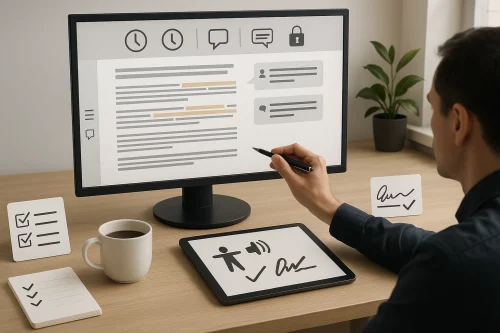
Achieving document perfection involves meticulous attention to detail and adherence to best practices.
Ensuring accuracy, consistency, and security in your PDF documents enhances their professionalism and reliability. Here are some niche details and not-so-common tips to elevate your PDF editing skills to the next level.
Maintaining Version Control
Maintaining version control is crucial for tracking changes and ensuring consistency in collaborative projects. Utilize versioning features in your PDF editor to save iterations of your document.
This practice not only helps with reverting to previous versions if needed but also maintains a clear record of edits and contributions from multiple team members, thus streamlining the review process.
Accessibility and Compliance
Ensuring accessibility and compliance in PDF documents involves adhering to standards that make your content usable for everyone, including individuals with disabilities.
Use tools that support the creation of fillable PDFs and ensure text is readable by screen readers.
Implementing tags, alt text for images, and proper heading structures not only enhances accessibility but also ensures your documents comply with legal standards and best practices for digital content.
Conclusion
Perfecting your PDF documents is more than just about having the right tools it’s about mastering the techniques that make your work stand out.
With the advent of PDF editors online, editing has never been more accessible or efficient. From basic modifications to advanced text and image adjustments, understanding how to leverage these tools can transform your workflow.
Embrace these techniques, and you’ll find that perfecting your PDFs is not only achievable but also a rewarding process.